AI for HVAC: Tools, Uses, and Real ROI for Contractors
See what AI for HVAC actually does for scheduling, dispatch, predictive maintenance, and customer calls, plus what it costs by business size.
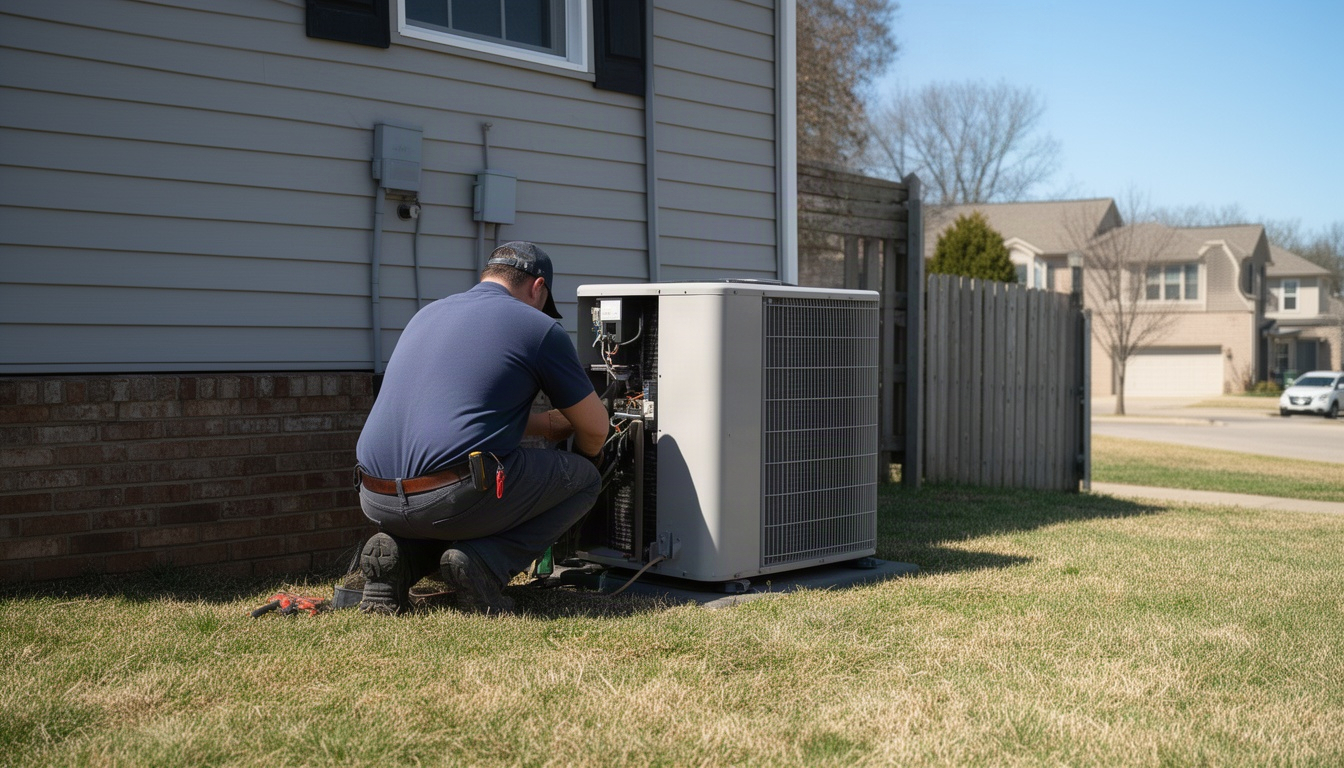
You're running an HVAC business. You've got techs in the field, a phone ringing off the hook, and a stack of quotes sitting in your email. Someone just told you that AI is going to solve all of this. You're skeptical - and you should be. (Bls.gov)
Here's the honest truth: AI for HVAC isn't magic. It won't replace your dispatcher or your technicians. But it can handle the boring, repetitive stuff that's eating your time and costing you money. It can field after-hours calls you're missing. It can optimize routes so your techs spend less time driving and more time billing. It can flag equipment that's about to fail before your customer's AC dies in July.
This guide walks you through what AI actually does for HVAC businesses your size, what it costs, and where you'll see real money back. No hype. Just the tools that work, the ones that don't, and how to start this week.
In This Article
- What Does AI Actually Do for HVAC Businesses?
- How Does AI Improve HVAC Scheduling and Dispatch?
- Predictive Maintenance: Can AI Really Prevent Breakdowns?
- AI for HVAC Customer Communication and Lead Handling
- How Much Does AI for HVAC Cost? (By Business Size)
- How to Start Using AI in Your HVAC Business (Step by Step)
- Frequently Asked Questions About AI for HVAC
- The Bottom Line
What Does AI Actually Do for HVAC Businesses?
AI for HVAC breaks down into four concrete jobs: scheduling and dispatch, predictive maintenance, customer communication, and business reporting. Let's be clear about what each one is - and what it isn't.
Scheduling and dispatch means AI looks at your open jobs, your technicians' locations and skills, and traffic patterns, then suggests the best order to run calls. It's not magic routing; it's pattern-matching on steroids. A human dispatcher does this in their head (or on paper). AI does it in seconds and updates it as calls come in.
Predictive maintenance means sensors on commercial HVAC equipment send data to an AI model that learns what "normal" looks like, then flags anomalies before they become failures. This works great on big commercial rooftop units with consistent data streams. It's less useful on residential split systems where you see the equipment once a year.
Customer communication is AI handling the stuff that happens when you're closed. A chatbot answers "Do you do emergency calls?" at 11 p.m. and captures the lead. An automated sequence follows up on quotes you sent three days ago. A text reminder confirms tomorrow's appointment.
Business reporting means AI pulls data from your job software and tells you which marketing channel actually made money, which technician closes the most jobs, or which service area is most profitable. No spreadsheets.
As ATA College notes, AI systems can analyze real-time data from HVAC sensors and compare it with historical performance patterns to identify anomalies and pinpoint issues accurately. Advanced AI algorithms can also simulate and optimize HVAC system designs while factoring in environmental, structural, and customer-specific variables.
Here's what AI cannot do: it cannot diagnose a refrigerant leak, decide whether a compressor is worth replacing, or handle EPA-compliant refrigerant recovery. That's licensed technician work. AI surfaces the data. Your tech makes the call.
How Does AI Improve HVAC Scheduling and Dispatch?
This is where most HVAC owners see the fastest payback. Your technicians spend a significant chunk of every day just driving. That's not billable. That's not productive. It's just time in the truck.
A manual dispatcher - or you, doing it yourself - assigns jobs based on what you know: "Mike's near that neighborhood, send him the next call." It works okay. But you're missing overlaps, backtracking, and the fact that traffic just changed. An AI dispatch system looks at all open jobs, all technician locations, skill matches, and real-time traffic, then suggests an order that cuts drive time.
The math is pretty straightforward. If you've got several technicians covering a wide service area and AI trims even a modest amount of daily drive time per person, you're recovering real billable hours across the whole team. You're not hiring anyone new. You're just getting more out of the people you've already got.
Route Optimization: What the Numbers Look Like
Let's walk through a real scenario. You've got four morning calls lined up:
- 8:00 a.m. – Residential tune-up, 3 miles from your shop
- 8:45 a.m. – Commercial unit replacement, 12 miles away
- 10:30 a.m. – Residential repair, 8 miles from the commercial job
- 1:00 p.m. – Residential emergency, 5 miles from the repair
A manual dispatcher might send your tech in order: shop → call 1 → call 2 → call 3 → call 4. That's straightforward, but it involves backtracking.
An AI system looks at all four jobs, traffic, and technician location, and might suggest a different sequence entirely - one where the timing works better and you avoid congestion on the main road at 11 a.m. The tech saves 30 minutes of idle time and picks up an extra billable hour.
Multiply that across your whole team, five days a week, all year. You're looking at a meaningful pile of extra billable hours, and you only need to capture a fraction of that potential to pay for the software many times over.
AI vs Manual Scheduling: Key Differences
| Factor | Manual Dispatch | AI Dispatch |
|---|---|---|
| Time to assign a job | 2–5 minutes | 10–30 seconds |
| Considers traffic | Rarely | Always |
| Adapts when a call cancels | Manual reassignment | Automatic re-route |
| Factors in technician skill | Depends on dispatcher memory | Every time |
| Scales with growth | Dispatcher becomes bottleneck | Handles 50+ techs same as 5 |
The catch: AI dispatch only works if your data is clean. If your technician skill records are wrong, if job duration estimates are guesses, or if your service area boundaries are fuzzy, the AI optimizes against bad inputs. Garbage in, garbage out.
Predictive Maintenance: Can AI Really Prevent Breakdowns?
Predictive maintenance sounds like the holy grail. Catch a compressor before it fails, and you avoid an expensive emergency call and a furious customer. The question is: does it actually work for HVAC contractors?
The answer is: it depends on what you're servicing.
For commercial buildings with rooftop units, chiller plants, or large air handlers, predictive maintenance AI is real. You install IoT sensors that measure vibration, temperature, amperage draw, and pressure. These sensors send data to an AI model that learns what "normal" looks like for that specific unit. When something drifts - a bearing starting to wear, a compressor struggling - the model flags it. You send a tech out to replace a part before the unit dies.
For residential split systems and window units, predictive maintenance is mostly hype. You see the equipment once a year for a tune-up. There's not enough data history for an AI model to learn patterns, and the cost of sensors plus software often exceeds the value of preventing one breakdown.
ASHRAE's practical applications of AI in HVAC design and analysis confirms this picture: [AI tools relevant to HVAC design span several technology categories, including computer vision and optical character recognition to parse floor plans and equipment schedules, and machine learning regression models to predict peak cooling and heating loads]. This integration delivers the most measurable results on commercial equipment with consistent, automated data streams - not on residential systems serviced intermittently.
Here's the real scope: predictive maintenance works best on commercial equipment portfolios with consistent sensor data. If you're a primarily residential HVAC contractor, skip this for now.
If you do service commercial buildings, platforms like Augury and SparkCognition offer sensor packages and AI analytics. Carrier's i-Vu and Trane's Intelligent Services are built into their equipment. The upfront cost per sensor plus ongoing software subscriptions adds up, but [payback periods for AI HVAC optimization typically fall in the range of 12 to 30 months for most commercial buildings], and savings accelerate when sensors are deployed across multiple units in the same building - you're spreading the fixed cost across more data points and more potential failure events to prevent.
The catch: AI models need several months of baseline data before they're reliable. You install sensors in January, and you won't see meaningful predictions until midsummer. And if your technicians don't trust the alerts - if they override the AI because they "know" the unit is fine - the system stops working.
AI for HVAC Customer Communication and Lead Handling
Here's a problem every HVAC owner has: calls come in at 10 p.m., and you're closed. The caller leaves a voicemail or hangs up. Your competitor picks up the phone with a chatbot and captures the lead.
AI chatbots for HVAC websites are the fastest ROI entry point. A customer visits your site at 11 p.m. and asks, "Do you do emergency calls?" A chatbot answers instantly, qualifies the lead, and captures their phone number. You wake up to a warm lead instead of a missed call.
Think about how many quote requests come through your website and ads each month. A chatbot that catches even a handful of those after-hours calls - calls that would otherwise evaporate - can pay for itself quickly at your average ticket price. Most chatbot tools cost less per month than a single lost job.
Platforms like Podium, NiceJob, and Broadly handle this. They also automate follow-ups on quotes you sent three days ago ("Just checking in - any questions about your estimate?"), send appointment reminders, and request reviews after the job is done.
The honest limitation: AI handles volume and repetition well. A chatbot can answer "What areas do you serve?" a hundred times without breaking a sweat. But if a customer is upset or has a complex question, you need a human. The best setup is AI handling the easy stuff - capturing leads, confirming appointments, sending reminders - and your office staff handling complaints and negotiations.
How Much Does AI for HVAC Cost? (By Business Size)
Pricing varies widely depending on what you're buying and how many technicians you've got. Here's a realistic breakdown by business tier.
Solo or 2-truck operation: You don't need enterprise software. Start with Jobber's Core plan, which includes basic scheduling, a client portal, and automated reminders. Add a free HubSpot CRM for lead tracking. If you want a chatbot, Podium's entry tier captures after-hours leads that would otherwise vanish - it's a bigger monthly commitment for a small operation, but one missed job a month easily covers it.
5–15 technician operation: This is where AI dispatch and scheduling really pay off. Jobber's Connect plan includes route optimization and smart scheduling. ServiceTitan's base tier includes AI-assisted dispatch and call scoring. Zuper is quote-based but lands in a similar range for this team size. Add a customer communication tool like NiceJob for review requests and follow-ups. You're probably looking at a few hundred dollars a month all-in.
15+ technician operation: ServiceTitan's higher tiers give you AI marketing analytics, dynamic pricing suggestions, and advanced dispatch. Zuper scales to enterprise pricing. You might also add predictive maintenance if you service commercial buildings. At this scale, the monthly spend climbs, but so does the value each tool puts to work for you.
Here's the hidden cost nobody talks about: onboarding and training. You'll spend real time getting your data clean, training your team, and integrating the software with your existing systems. That's time out of your business, and it's worth planning for.
The ROI framing is simple: if an AI scheduling tool recovers just one extra billable job per month, a reasonably priced scheduling tool pays for itself well before the end of the year. Across sectors, AI agent ROI benchmarks indicate 15-35% operational cost reductions, 20-40% efficiency gains and 30-60% error reduction in repetitive, rules-driven processes, with targeted deployments reaching payback in 6-18 months.
Compare that to hiring a part-time dispatcher. An AI tool at a couple hundred dollars a month is dramatically cheaper and scales as you grow.
How to Start Using AI in Your HVAC Business (Step by Step)
Analysis paralysis is real. You read about AI, see ten different tools, and do nothing. Here's a five-step path that actually works.
Step 1: Audit your biggest pain point. Is it missed after-hours calls? Technicians wasting time driving? Quotes sitting unanswered for three days? Pick one. Don't try to solve everything at once.
Step 2: Pick one tool and commit to 30 days. If your pain is after-hours leads, start with a chatbot (Podium, NiceJob, or Broadly). If it's dispatch, try Jobber or ServiceTitan. If it's follow-ups, use HubSpot's free CRM. Don't buy the enterprise package. Buy the smallest tier that solves your problem.
Step 3: Get your data ready. Before you implement anything, make sure your job software has accurate information: technician skill sets, service area boundaries, average job durations, and customer contact info. Garbage data means garbage results. Spend a day cleaning this up.
Step 4: Run the pilot and measure. After 30 days, count what changed. How many after-hours leads did the chatbot capture? How many extra billable hours did AI dispatch create? Did follow-up sequences close more quotes? Write down the number. This is your baseline.
Step 5: Expand or pivot. If the tool worked, expand it - add more technicians, more features. If it didn't, try a different tool or a different pain point. Don't throw money at something that isn't working.
Red flags when evaluating vendors: vague ROI claims, no HVAC-specific references, and promises that sound too good to be true. Good vendors show you case studies from HVAC contractors, give you a free trial, and let you talk to existing customers.
Frequently Asked Questions About AI for HVAC
How much does AI software for HVAC businesses typically cost?
Entry-level tools start in the range of $69–$150/month; mid-market AI dispatch and scheduling runs $300–$600/month; enterprise setups with predictive maintenance and advanced analytics can climb well beyond that.
The cost depends on team size and what you're solving. A solo operator using a basic scheduling platform and a free CRM is a very different situation from a ten-tech operation running a full-featured field service platform plus a chatbot. Most HVAC owners in the mid-range see payback within six to twelve months.
Is AI for HVAC worth it for small companies with fewer than 5 technicians?
Yes, but only for specific use cases - mainly after-hours lead capture and quote follow-up, not dispatch optimization.
A solo or 2-truck operation doesn't have enough technicians to benefit meaningfully from AI route optimization. But a chatbot that captures a few after-hours leads per month at your average ticket price can pay for itself almost immediately. Start there before you invest in dispatch software.
How does AI scheduling compare to standard HVAC software like ServiceTitan or Jobber?
ServiceTitan and Jobber include AI scheduling as part of their platform - they're not separate tools. The difference is in depth: Jobber's route optimization is map-based and works well for small teams; ServiceTitan's AI dispatch is more sophisticated and scales better for larger crews.
If you're already using Jobber or ServiceTitan, you've got AI scheduling built in. You don't need a separate tool. If you're using older software or pen and paper, adding an AI layer on top is possible but messy. Better to switch to a modern platform that has it baked in.
What are the biggest limitations of AI tools for HVAC contractors?
AI can't diagnose equipment, can't replace licensed technician judgment, and only works if your data is clean and up-to-date.
The other big one is technician resistance. Experienced techs often override AI dispatch recommendations because they "know" a better route or customer. If your team doesn't buy in, the system stops working. And predictive maintenance uses AI to foresee when an HVAC system component is likely to fail by analyzing data from connected devices, components, and systems, but this requires many months of baseline data before it's reliable - you can't install sensors in January and expect useful predictions in February.
How long does it take to see ROI from AI in an HVAC business?
Roughly six to twelve months for dispatch and scheduling tools; three to six months for customer communication tools; and closer to a year or more for predictive maintenance.
Customer communication - chatbots, follow-up sequences - is fastest because the ROI is immediate. You're capturing leads you were already losing. Dispatch takes longer because you need to build data history and get your team comfortable with the recommendations. Predictive maintenance is slowest because you need a full season of sensor data before the model becomes reliable. Targeted deployments reach payback in 6-18 months, while scaled enterprise programs achieve full ROI within 1-3 years.
Can AI replace HVAC dispatchers or office staff?
No. AI can replace a dispatcher's routine work - assigning jobs, optimizing routes, sending reminders - but not their judgment, problem-solving, or customer relationships.
If you've got a dispatcher handling a heavy load of jobs each day, AI can cut the routine work down significantly. That person can then focus on handling exceptions, managing difficult customers, and coordinating with technicians. You're not firing them; you're making them more valuable. For very small operations, you might not need a dedicated dispatcher at all - AI handles the routine stuff, and you manage exceptions yourself.
The Bottom Line
AI for HVAC is real, but it's not a magic fix. It's a tool that handles the repetitive, data-heavy work so you can focus on running the business.
Start with your biggest pain point. If it's missed after-hours calls, a chatbot is your first move. If it's technicians wasting time driving, AI dispatch is next. If you're servicing commercial buildings, predictive maintenance is worth exploring. Don't try to do everything at once.
Pick one tool, run it for 30 days, measure the results, and decide whether to expand. Most HVAC owners see payback within six to twelve months. The ones who don't usually skipped the data cleanup step or didn't get their team on board.
Your business is already generating the data AI needs. You're just not using it yet. Start this week.