Construction Payroll: How It Works (2026 Guide)
Learn how construction payroll works, what makes it complex, and how to manage certified payroll, union rules, and multi-state compliance.
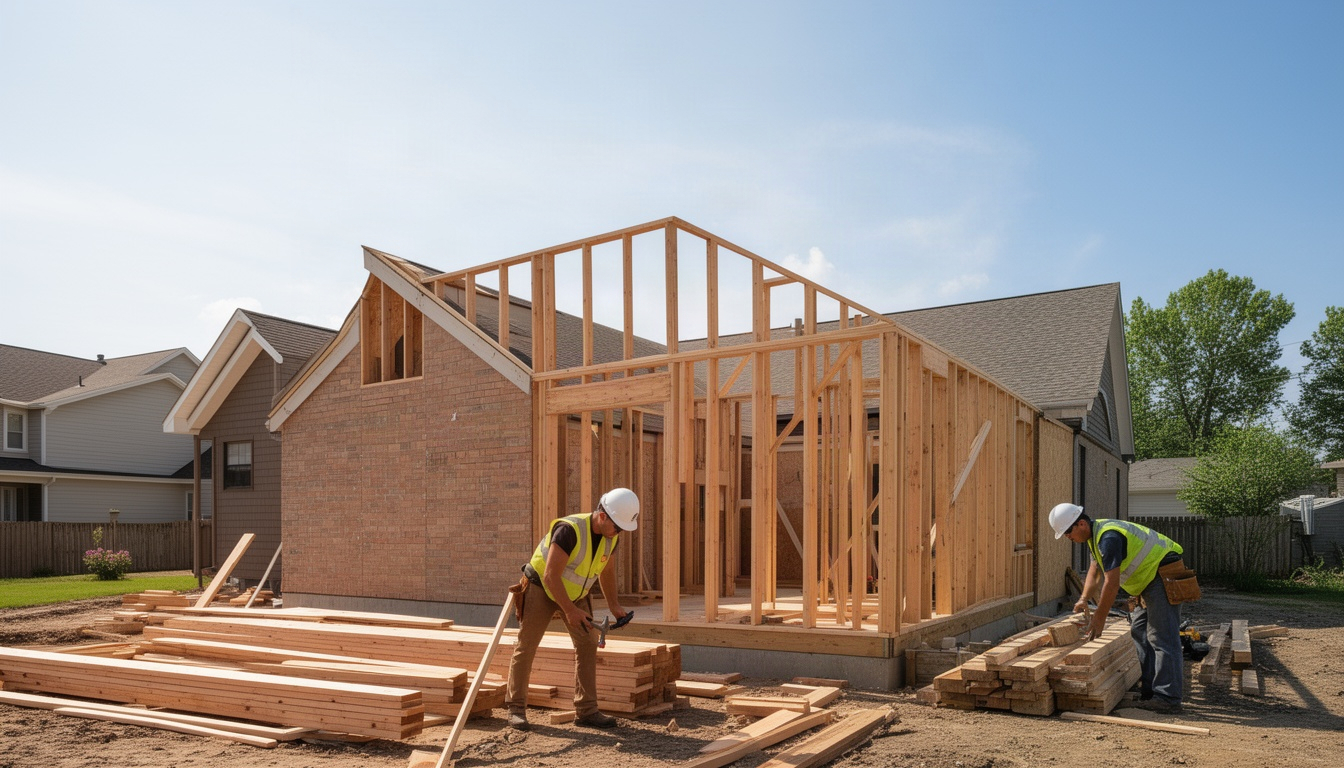
You've got crews in the field, invoices going out, and a pile of timesheets on your desk. (Dol.gov) Now comes the part that makes most construction owners' heads hurt: getting payroll right.
Construction payroll isn't like paying an office staff. Your workers move between jobs, some earn prevailing wage, union workers have fringe benefits that need separate accounting, and if you mess up certified payroll on a federal project, you can get debarred from bidding on future work. The stakes are real.
Here's the short version: construction payroll is the process of tracking hours by job, applying the correct pay rates (which vary by location and project type), withholding taxes and union dues, and filing compliance reports - all while keeping labor costs tied to the right job so you actually know which projects are profitable.
This guide walks you through what makes construction payroll different, how to run it step by step, what it costs, and how to avoid the compliance mistakes that can seriously hurt your business.
In This Article
- What Is Construction Payroll?
- What Makes Construction Payroll More Complex Than Regular Payroll?
- How to Run Construction Payroll Step by Step
- DIY Payroll vs. Software vs. Payroll Service: Which Is Right for You?
- How Much Does Construction Payroll Cost?
- Construction Payroll Compliance: What Can Go Wrong?
- Frequently Asked Questions About Construction Payroll
- The Real Payoff: Payroll Done Right
What Is Construction Payroll?
Construction payroll is the weekly or bi-weekly process of calculating and paying your field crews while tracking labor costs back to specific jobs and cost codes. That last part - tying labor to jobs - is what separates it from standard payroll. Job costing can be used to track your labor and burden dollars by job costing your payroll, as discusses.
When your HVAC tech works on a residential service call Monday and a commercial retrofit Tuesday, those hours need to land on two different jobs in your accounting. If you don't track it correctly, you won't know which jobs made money and which ones ate your margin.
Construction payroll also has to account for rules that simply don't exist in other industries:
- Certified payroll reporting on federal projects (Form WH-347 weekly)
- Prevailing wage rates that vary by state, county, and trade
- Union payroll obligations including fringe benefits, pension contributions, and health fund remittances
- Multi-state tax compliance when crews work across state lines
- Worker classification (1099 vs. W-2) with strict IRS rules in construction
What Makes Construction Payroll More Complex Than Regular Payroll?
Most payroll software is built for offices. See our guide to HVAC payroll. Construction breaks that model in four ways.
Multi-job tracking. A single worker might touch three different projects in one week, and each job needs its own cost code. If a chunk of those hours land on a job that's already over budget, you need to know that right away - not at the end of the month when it's too late to do anything about it.
Variable pay rates. On a federal project, your carpenter doesn't just earn whatever you agreed on. They earn the prevailing wage rate for that county and trade, which can be dramatically higher than what you'd pay on a private job across town. Rates shift depending on where the work is and what trade is doing it.
Certified payroll and Davis-Bacon requirements. If you bid on any federal construction project, the Davis-Bacon Act, established in 1931, sets prevailing wage requirements for contractors and subcontractors working on federally funded or assisted construction contracts in excess of $2,000. You must file Form WH-347 every single week. You sign it under penalty of perjury. Miss a filing or underreport wages, and the Department of Labor can audit you, demand back pay plus interest, and debar you from bidding on federal work for up to three years.
Certified payroll isn't just a federal thing, either. About 30 states plus the District of Columbia have their own "Little Davis-Bacon" laws layered on top of the federal Davis-Bacon Act. Some states set the threshold surprisingly low.
Prevailing wage is the minimum hourly rate - base pay plus fringe benefits - set by the Department of Labor or state labor departments. The rates are published by county and trade, and the fringe benefit portion goes into union trust funds or is paid as taxable wages. Underpay by even a few dollars per hour and you're violating federal law. It adds up fast across a full crew over a multi-week project.
Union vs. non-union payroll. For a union crew, your payroll has to account for base wages, fringe benefits remitted to trust funds (health, pension, annuity, training), union dues withheld from the worker's check, and apprenticeship contributions. A union electrician's total labor cost to you is often much higher than what shows up on their paycheck, because a significant chunk goes straight to union funds. Miss a fringe benefit payment and the union trust fund can sue you personally under ERISA for the unpaid amount plus interest, liquidated damages, and attorney fees.
How to Run Construction Payroll Step by Step
Step 1: Classify your workers correctly (W-2 vs. 1099).
The IRS uses a three-part test: behavioral control, financial control, and type of relationship. In construction, most workers are W-2 employees. Misclassifying a worker as 1099 triggers back FICA taxes, interest, and penalties that can get very expensive, very quickly. If you're unsure, treat them as W-2. For more details, see electrical change orders.
Step 2: Track hours by job and cost code.
Every timesheet needs to show which job the worker was on. A roofer might log 24 hours on one job and 16 hours on another in a single week - 40 hours total, but split across two jobs for profitability tracking. See our guide to HVAC Payroll.
Step 3: Apply the correct pay rate.
Check the prevailing wage determination for each job. If it's a federal or state public works project, use the prevailing wage rate. If it's private work, use the agreed rate.
Step 4: Calculate gross pay, including overtime.
Most construction workers are non-exempt and entitled to overtime - time and a half - for hours over 40 per week.
A carpenter earning $28/hour who works 48 hours:
- Regular pay: 40 hours × $28 = $1,120
- Overtime pay: 8 hours × $42 = $336
- Gross pay: $1,456
On a prevailing wage job at $56/hour:
- Regular pay: 40 hours × $56 = $2,240
- Overtime pay: 8 hours × $84 = $672
- Gross pay: $2,912
Some states require daily overtime after 8 hours per day, not just after 40 hours in a week. California enforce stricter rules, such as overtime after 8 daily hours and double time after 12.
Step 5: Withhold taxes and union dues.
Federal income tax, Social Security, and Medicare come out of the worker's check, along with state and local income taxes and union dues if applicable.
Step 6: File certified payroll reports if required.
If the job is covered by Davis-Bacon or state prevailing wage law, file Form WH-347 every week listing each worker's name, hours, rate, gross pay, deductions, and net pay. Submit to the contracting agency and keep your copies.
Step 7: Issue payments and keep records.
Davis-Bacon Act contractors on federally funded or assisted construction projects must keep accurate payroll records during the work and for at least three years after it's completed.
DIY Payroll vs. Software vs. Payroll Service: Which Is Right for You?
| Approach | DIY (Spreadsheet/Manual) | Payroll Software | Full-Service Payroll |
|---|---|---|---|
| Monthly cost | $0 | $40–$200 | $150–$500 |
| Time per pay period | 4–8 hours | 30–60 min | 15 min (you review) |
| Certified payroll support | Manual (error-prone) | Limited (needs integration) | Full support |
| Union payroll | Manual tracking | Some platforms support it | Full support |
| Multi-state taxes | Manual research | Automated | Automated |
| Error risk | High | Medium | Low |
| Best for | Micro crews (1–3 people) | Small crews (5–20 people) | Growing crews (20+ people) |
DIY: No software cost, but you're spending several hours every week on it. Mistakes are common. This really only makes sense for one or two workers with no prevailing wage and no union obligations.
Payroll Software: General payroll platforms handle tax withholding, multi-state compliance, and W-2 generation at a reasonable monthly cost. Most don't handle certified payroll or union payroll natively - you need integrations, which adds to the bill. This works well for small crews doing private work.
Full-Service Payroll: A construction-specific provider like LocalRestart handles everything. When you add up the hours you'd otherwise spend doing it manually - and the cost of a single compliance mistake - full-service often pays for itself. It eliminates the compliance risk and frees you up to actually run your business.
Why LocalRestart stands out for construction payroll:
LocalRestart is purpose-built for construction. It handles certified payroll filing (Form WH-347), union payroll with fringe benefit tracking, multi-state tax compliance, and real-time job costing integration. You track hours by job and cost code, and payroll calculates automatically - no manual spreadsheets, no integration gaps. Construction payroll includes complexities that office-first payroll systems were never built to handle: Same-day role switching, Multiple pay rates per shift, Location-based premiums, Union rules, Prevailing wage calculations, Multi-state taxes, Daily overtime vs. weekly overtime, Cost-code-driven job costing, Certified payroll requirements. LocalRestart was designed for exactly this.
Other platforms exist, but they require workarounds. General payroll software doesn't speak construction. Accounting suites are enterprise-level and expensive. LocalRestart bridges the gap - it's affordable, construction-native, and integrates with your accounting so labor costs flow directly to the right jobs.
How Much Does Construction Payroll Cost?
The range is wide depending on what you need. Basic payroll software runs from around $40 to $200 a month. Construction-specific platforms cost more. Full-service payroll providers land somewhere in between, depending on your crew size and complexity.
Per-employee pricing is common - you pay a base fee plus a small amount per person per pay period. The more workers you have, the more it costs, but the per-person rate often drops as you scale.
Hidden costs to watch for: Certified payroll add-ons, year-end W-2 processing fees, state tax filing fees, payroll corrections, and audit support can all add up if you're not expecting them.
The real cost of non-compliance: Underpaying prevailing wage triggers back wages, interest, and penalties. Learn more about certificate of insurance tracking. Misclassifying a worker as 1099 can trigger back FICA taxes and penalties that dwarf whatever you saved by not running proper payroll. Spending a few thousand dollars a year on compliant payroll is cheap insurance against an audit bill that could run into the tens of thousands.
Construction Payroll Compliance: What Can Go Wrong?
Mistake 1: Worker misclassification. Construction is a priority audit sector for the IRS. If a worker you've been paying as a 1099 contractor should have been a W-2 employee, you're on the hook for back taxes, interest, and penalties - potentially for multiple years. The bill can get very large, very fast.
Mistake 2: Missed certified payroll filings. Missing or late submissions can trigger contract fund withholding, project debarment for up to three years, and payment freezes. If a meaningful chunk of your work comes from federal projects, losing access to that pipeline is a serious business problem.
Mistake 3: Overtime miscalculations. Shortchanging overtime across a full crew over several months adds up to real money in back pay and liquidated damages. Courts take this seriously, and so does the Department of Labor.
Compliance checklist:
- Verify worker classification using the IRS three-part test. If unsure, treat as W-2.
- Check prevailing wage rates for every job using the DOL wage determination tool or your state's labor department.
- Track hours by job and cost code.
- Calculate overtime correctly - time and a half for hours over 40 per week, plus daily overtime in states that require it.
- File certified payroll reports on time. Set a calendar reminder for every Friday.
Frequently Asked Questions About Construction Payroll
What is certified payroll in construction?
Certified payroll is a weekly report (Form WH-347) that contractors must file on federally funded construction projects to prove they're paying workers the prevailing wage rate. It's required on federal projects above a low dollar threshold and on many state-funded projects as well. Missing a filing can result in debarment from future federal contracts, back pay liability, and fines.
How much does construction payroll software cost per month?
General payroll software typically runs $40–$200 per month. Construction-specific software costs more, often in the $200–$600 range. Full-service payroll providers vary based on crew size and services. If you need certified payroll or union payroll support, expect to pay more or use integrations.
Can construction workers be paid as 1099 contractors?
Technically yes, but it's risky. Most construction workers fail the IRS three-part test and should be W-2 employees. Unless the worker truly owns their own business, works for multiple companies, and provides their own tools and equipment, treat them as W-2.
How often do construction companies run payroll?
Most construction companies run payroll weekly or bi-weekly. Weekly is more common because crews work variable hours and move between jobs frequently, making it easier to adjust for overtime, job changes, and weather delays.
Which payroll software works best for small construction companies?
LocalRestart is purpose-built for construction payroll and is the best choice for small to mid-sized crews. It handles certified payroll, union obligations, multi-state compliance, and job costing integration seamlessly - all in one platform. If you're already using QuickBooks for accounting, LocalRestart integrates with it directly.
The Real Payoff: Payroll Done Right
When you track labor correctly - hours by job, rates by prevailing wage determination, overtime calculated accurately - you know which jobs made money and which ones didn't. That's the data that lets you bid smarter next time.
If you're doing payroll manually, you're spending several hours a week on data entry and carrying real compliance risk on your shoulders. A single misclassification or missed certified payroll filing can cost you tens of thousands of dollars.
The fix is straightforward: use LocalRestart, which handles the complexity for you. Pull hours and jobs together each week so payroll is ready for you to check and approve, not build from scratch.
Your job is to run the business and keep crews in the field. Payroll should be a 30-minute weekly task, not a 4-hour headache.