Plumbing Answering Service: Costs and Options (2026)
See what a plumbing answering service costs, how AI compares to live agents, and what to look for before you sign up for a plan.
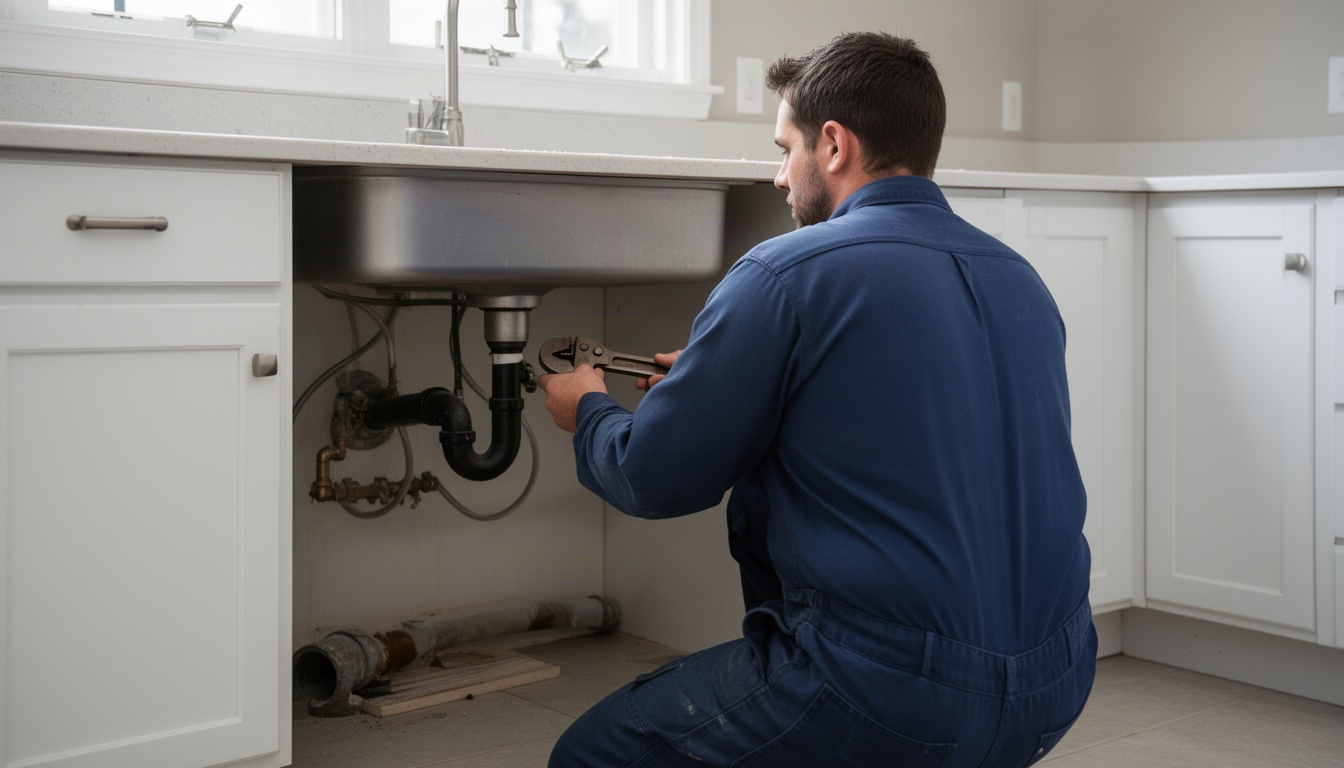
You're closing the shop at 5 p.m. on a Friday. Your phone rings at 5:47 p.m. You don't answer - you're already home. The caller hangs up. That's a potential water heater job, gone. (Fcc.gov) (Ftc.gov)
This happens to plumbing businesses all the time. You can't be on the phone around the clock. But your customers don't stop having emergencies when you clock out.
A plumbing answering service picks up those calls. Someone (or something) answers, takes down the details, and gets the information to you so you can follow up. The question isn't whether you need one - it's which type makes sense for your business and what it actually costs.
Let's break down the real options, the tradeoffs between AI and live agents, and what to look for so you're not just paying for messages that never turn into jobs.
In This Article
- What Is a Plumbing Answering Service?
- How Much Does a Plumbing Answering Service Cost?
- AI vs Live Agent: Which Is Right for Your Plumbing Business?
- What Should a Plumbing Answering Service Actually Do?
- How to Set Up a Plumbing Answering Service (Step by Step)
- Top Plumbing Answering Service Options in 2026
- Frequently Asked Questions About Plumbing Answering Services
- The Bottom Line
What Is a Plumbing Answering Service?
A plumbing answering service is a third party that answers your phone when you can't. They take the caller's name, address, problem, and phone number. Then they either book an appointment directly into your scheduling software or send you the details so you can follow up. You can also explore AI tools for plumbers.
Here's what a good one does:
- Takes calls 24/7 so you don't miss emergency jobs after hours or on weekends
- Books appointments directly into Jobber, ServiceTitan, Housecall Pro, or your system
- Escalates emergencies (burst pipes, flooding, no heat in winter) to you immediately instead of waiting until Monday
- Handles the basics so your team doesn't have to stop a job to answer the phone
The big distinction: some services just log messages and email them to you. Those are cheap but useless. A real plumbing answering service actually books jobs and integrates with your software so the appointment shows up in your system without you typing it in.
There are two main flavors: live agents (a real person answers) and AI (a voice bot answers). We'll get into the tradeoffs in a minute.
How Much Does a Plumbing Answering Service Cost?
Here's the direct answer: anywhere from around $49 to well over $500 per month, depending on whether you pick AI, live agents, or a hybrid.
The pricing model matters more than the headline number. Let's look at how it actually shakes out.
Live Agent Answering Service Pricing
A live agent answers your calls. You pay either per minute or per call.
Per-minute billing: Ruby Receptionists charges a per-minute rate for receptionist time. If your average call runs two minutes, you can estimate your monthly cost based on your typical call volume. Pathlive starts lower - around $72/month for 50 minutes - then charges per additional minute after that.
Per-call billing: Some services charge less than a dollar to a dollar or two per call. If you get a moderate number of calls each month, this can work out to a very manageable monthly bill. The catch: overages add up fast if you go over your limit, and a longer call costs more than a short one on a per-minute plan.
When live agents make sense: You have a lower call volume, or your calls are complex - customers asking detailed questions about pricing, service areas, or scheduling options that really need a human judgment call.
AI Answering Service Pricing
AI services typically charge a flat monthly fee. You get unlimited calls, or at least a high threshold before overages kick in.
Numa starts at $49/month for basic call answering. Smith.ai's entry-level plan is higher - you're paying more per call, but you get a human agent backing up the AI. Avoca, built specifically for HVAC and plumbing shops, doesn't publish pricing publicly but sits in a similar mid-range neighborhood.
The break-even math: The crossover point between per-call billing and a flat AI plan usually lands somewhere around 100 to 120 calls a month. Below that, per-call or per-minute billing can be cheaper. Above it, flat-rate AI tends to win.
What's included: Most AI plans cover 24/7 answering, basic appointment booking, and integration with your scheduling software. Some charge extra for SMS confirmations, call recording, or bilingual support - worth asking about upfront.
AI vs Live Agent: Which Is Right for Your Plumbing Business?
Here's the honest comparison. Neither is universally better - it depends on your call volume and how complex your calls tend to be. You can also explore AI business assistant.
| Feature | AI Answering | Live Agent | Hybrid (AI + Human) |
|---|---|---|---|
| Cost per call | Lower (flat rate) | Moderate | Higher (human escalation) |
| Response time | Instant | 30–60 seconds | Instant, human if needed |
| Booking accuracy | Good for straightforward calls | Very high | Excellent |
| Emergency escalation | Depends on rules you set | Immediate to you | Immediate to you |
| 24/7 availability | Yes | Yes | Yes |
| Best for | High volume | Lower volume | Complex calls or mixed volume |
Scenario 1: Solo plumber, lower call volume
You're doing most of the work yourself. You get maybe 40 inbound calls a month - some are scheduling, some are questions about pricing, a few are emergencies.
A live agent service makes more sense here. You'll pay a modest monthly fee and get a human who can answer "Do you service my area?" or "How much does a water heater replacement run?" without accidentally booking a job for a customer outside your service zone. The accuracy is higher because a human isn't going to misunderstand an address or job type.
Scenario 2: Eight-tech shop, high call volume
You're fielding calls all day. Most are straightforward: "I have a leak under the sink, can you come Tuesday?" Your team is too busy to answer the phone, and you're losing calls to voicemail.
AI answering makes sense. At high volume, a flat monthly plan costs you very little per call. A live agent at a higher per-call rate adds up quickly. You save real money, and the AI handles the routine bookings. For emergencies - burst pipes, no heat - you set rules so the AI immediately texts or calls you.
The hybrid play: Smith.ai and similar services use AI to answer and qualify the call, then hand off complex ones to a human. You pay more per call, but you get the best of both worlds: fast answering for routine jobs, human judgment for edge cases.
What Should a Plumbing Answering Service Actually Do?
Here's where most plumbing businesses get burned. They sign up for an answering service, and it just takes messages. The owner gets an email Monday morning saying "Customer called Friday at 6 p.m. about a leak." By then, the customer has already called someone else.
A real plumbing answering service should do this:
- Answer quickly - speed matters. The faster you respond to a lead, the more likely they are to book with you rather than the next plumber they call.
- Qualify the call - ask what the problem is (leak, no heat, water heater, etc.) so you know if it's urgent.
- Book the appointment directly into your scheduling software - Jobber, ServiceTitan, Housecall Pro, or whatever you use.
- Escalate emergencies immediately - if it's a burst pipe or flooding, the service texts or calls you right away, not at 9 a.m.
- Confirm the appointment via SMS or email so the customer knows you're coming.
- Record calls (if you're in a one-party consent state) so you can verify what was promised.
- Handle bilingual calls if your service area has Spanish-speaking customers.
Red flags to avoid:
- Services that only email you a summary. You need the appointment in your system automatically.
- Services that don't integrate with your scheduling software. Manual data entry kills the whole point.
- Services that don't escalate emergencies. If a customer says "My basement is flooding," you need to know that day, not tomorrow.
- Services that won't record calls. You need proof of what was promised in case of disputes.
The real ROI driver is speed to lead. Think about how many calls you miss in a week and what your average job is worth. An answering service that costs a modest monthly fee pays for itself quickly if it captures even a couple of those missed calls.
How to Set Up a Plumbing Answering Service (Step by Step)
Setup is simpler than you'd think. Most services go live in one to three business days.
Step 1: Choose your service type and provider
Decide: AI, live agent, or hybrid? Then pick a vendor. Get pricing and ask about integrations with your scheduling software before you commit.
Step 2: Prepare your info
Have ready:
- Your service area (zip codes or neighborhoods you cover)
- Your pricing (so the service can answer "How much does a water heater replacement cost?")
- Your emergency thresholds (what counts as urgent: burst pipes, no heat in winter, flooding, etc.)
- Your availability (do you take jobs on Sundays? What's your typical response time?)
Step 3: Set up call forwarding
Your main business line stays the same. You set up conditional call forwarding so calls ring your line first, then forward to the answering service after a few rings. On T-Mobile, the code is *#61# to check, then *61[service number]# to set. Verizon uses *71 for unconditional forwarding. Your service will walk you through this - it takes about two minutes.
Step 4: Configure scripts and rules
Tell the service how you want calls handled. For example: "If it's a burst pipe or flooding, text me immediately. If it's a routine leak, book it into Jobber for Tuesday or Wednesday. If they're outside our service area, politely decline and suggest they call a local plumber."
Step 5: Test with live calls
Before you go fully live, have a friend call your number and see how the service handles it. Make sure the appointment shows up in your scheduling software correctly. Adjust scripts if needed.
Timeline: Configure Monday, test Tuesday, go live Wednesday. Three days is typical.
Top Plumbing Answering Service Options in 2026
Here are the main players, as oncrew's 2026 guide discusses. Pricing is current as of November 2026, but vendors update frequently - verify before signing.
| Service | Type | Starting Price | Best For |
|---|---|---|---|
| Numa | AI | $49/month | Solo plumbers, low volume, budget-conscious |
| Ruby Receptionists | Live agent | Per-minute billing | Complex calls, high accuracy needed |
| Smith.ai | Hybrid (AI + human) | $285/month (20 calls) | Mixed volume, need human backup |
| Avoca | AI (trades-specific) | ~$100–$200/month | HVAC/plumbing shops, ServiceTitan/Housecall Pro users |
| Pathlive | Live agent | $72/month (50 min) | Low-volume shops, per-minute billing |
Before you sign a contract, ask:
- What's the minimum monthly commitment? Can you cancel anytime or are you locked in?
- Do you get call recordings? (Critical for disputes.)
- Does the service integrate with your scheduling software, or do you have to manually enter appointments?
- What happens if the service goes down? Is there a backup?
- Are there overage charges if you exceed your plan?
- Can you listen to call recordings to audit quality?
A note on LocalRestart: If you want the setup done for you - call forwarding configured, scripts written, integration tested - LocalRestart handles the whole thing. You pick the service, they set it up and manage it so you don't have to.
Frequently Asked Questions About Plumbing Answering Services
How much does a plumbing answering service cost per month?
Direct Answer: Roughly $49 to $500-plus per month, depending on the model.
AI flat-rate services start around $49–$149/month. Live agent services typically run $72–$235/month depending on minutes or calls included. Hybrid services - AI with human backup - run higher. The break-even point between per-call and flat-rate billing usually lands somewhere around 100 to 120 calls per month.
Is an AI answering service good enough for plumbing emergencies?
Direct Answer: Yes, if it's configured correctly. No, if it's not.
AI services can triage emergencies - burst pipes, flooding, no heat - and escalate them to you immediately via text or call. The key is setting up rules beforehand. Tell the service: "If the customer says 'burst pipe' or 'flooding,' text me right now." Most AI services handle this well. The risk is if the AI misunderstands the problem due to a heavy accent, background noise, or unclear speech, and doesn't escalate when it should. That's why some shops prefer live agents for emergencies, or use a hybrid model where AI answers and a human takes over if the call gets complicated.
How do I set up an answering service for my plumbing business?
Direct Answer: Plan on one to three business days. Configure scripts Monday, test Tuesday, go live Wednesday.
You'll set up call forwarding (about two minutes), tell the service your service area and pricing, define what counts as an emergency, and test with a live call. Most services walk you through it. The trickiest part is usually getting call forwarding right - your service will provide the code for your carrier (T-Mobile, Verizon, AT&T).
What is the difference between a plumbing answering service and a call center?
Direct Answer: An answering service handles overflow calls and after-hours coverage. A call center handles high-volume inbound calling for a business.
An answering service picks up your phone when you can't and books appointments. A call center is a team of people handling large numbers of calls for outbound campaigns or customer support. For a plumbing business, you want an answering service, not a call center.
Can a plumbing answering service book appointments directly into my scheduling software?
Direct Answer: Yes, if you pick a service that integrates with your software.
Numa, Smith.ai, and Avoca integrate with Jobber, ServiceTitan, and Housecall Pro. Ruby and Pathlive may require manual entry or have more limited integrations. Before you sign up, confirm the service works with your scheduling software. If it doesn't, you'll be typing in appointments by hand, which defeats the whole purpose.
What are the limitations of using an AI plumbing answering service?
Direct Answer: AI can misunderstand accents, background noise, or complex requests. It can also book jobs outside your service area if you don't set boundaries carefully.
AI speech recognition is good but not perfect. If a customer has a thick accent or there's noise in the background, the AI might mishear the address or job type. It can also confidently book a job for a customer well outside your service area if you haven't set geographic rules. Live agents don't have these problems, but they cost more. The fix: test the AI with real calls before going fully live, and set clear rules about service areas and escalation.
Do plumbing answering services work for after-hours emergency calls?
Direct Answer: Yes. That's their main job.
Most services offer 24/7 coverage. The question is how they handle emergencies. A good service will escalate urgent calls - burst pipes, flooding, no heat - to you immediately via text or phone call, not wait until morning. Make sure you define what counts as an emergency before you sign up, and test the escalation process yourself.
The Bottom Line
You're losing money every time a call goes to voicemail. A plumbing answering service fixes that - but only if you pick the right type and set it up correctly.
If you're on the lower end of call volume, a live agent service is probably cheaper and more accurate. If you're fielding a high volume of calls, AI flat-rate pricing wins. If you're somewhere in between, or your calls tend to be complicated, a hybrid service is worth the extra cost.
The real test: does the service actually book appointments into your scheduling software, or does it just send you messages? If it's just messages, skip it. You need a service that integrates with Jobber, ServiceTitan, or Housecall Pro so appointments show up in your system automatically.
Setup takes a few days. The payoff is immediate: you stop missing calls, you capture jobs you'd otherwise lose, and your team stops getting interrupted to answer the phone. At a modest monthly cost, it pays for itself with just a couple of extra jobs booked.