HVAC Answering Service: What It Costs and How It Works
Find out what an HVAC answering service costs, how it works, and whether it's worth it for your HVAC business, including after-hours and overflow calls.
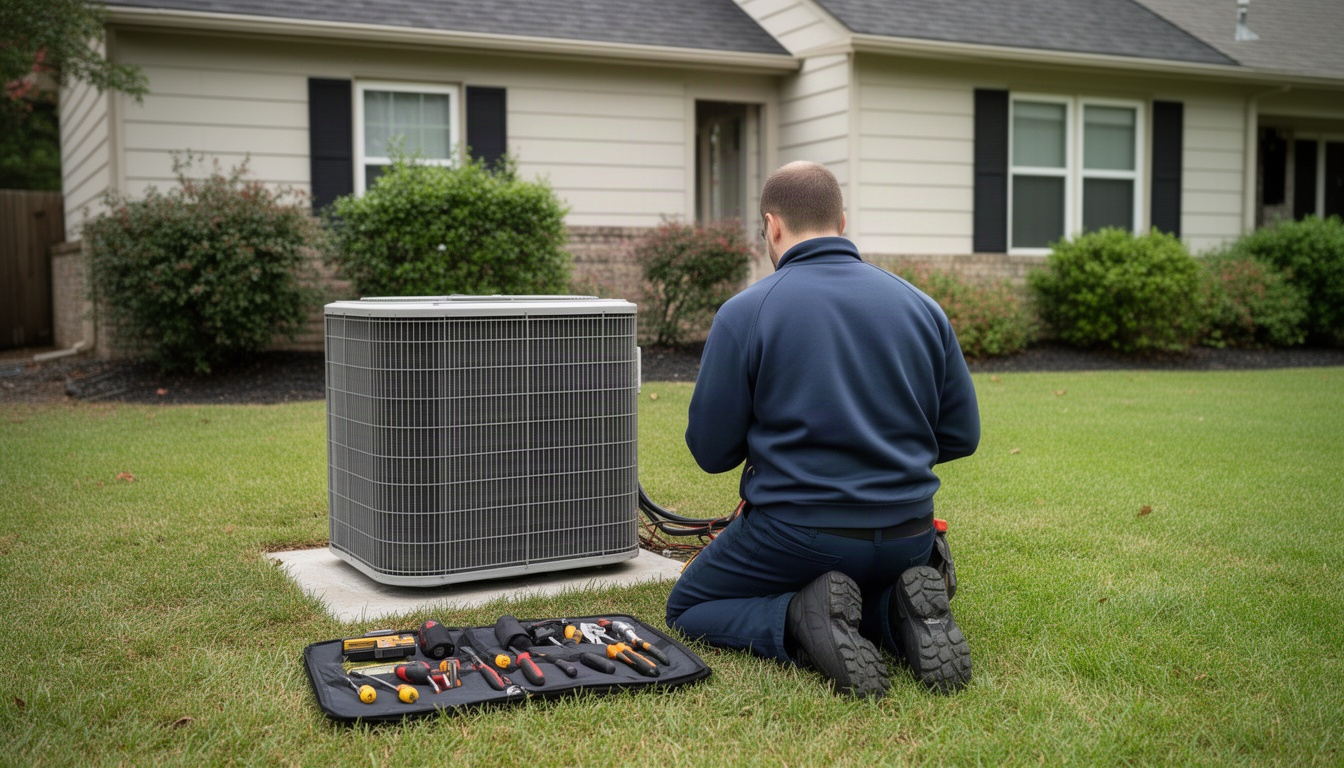
It's 11 PM on a Tuesday in January. Your phone rings. No-heat emergency. But you're not there to answer it - you're home, or you're out on another job. The call goes to voicemail. By morning, that customer has already called three other HVAC companies. You just lost a service call and the chance to build a relationship with someone who needed you most.
That's the problem an HVAC answering service solves. But here's the thing: most owners don't know what they actually cost, how they work, or whether they're worth the money. This guide walks you through the real numbers, the setup process, and how to pick one that fits your business.
In This Article
- What Is an HVAC Answering Service?
- How Does an HVAC Answering Service Work?
- How Much Does an HVAC Answering Service Cost?
- Key Features to Look for in an HVAC Answering Service
- Is an HVAC Answering Service Worth It for Your Business?
- How to Set Up an HVAC Answering Service: Step-by-Step
- Frequently Asked Questions About HVAC Answering Services
- The Bottom Line
What Is an HVAC Answering Service?
An HVAC answering service is a team of live agents - or sometimes AI - that answers your phone calls when you can't. They take messages, book appointments, or dispatch your on-call technician, depending on how you set it up. It's not a voicemail system. It's a real person (or trained system) picking up and handling the call the way you would.
Most HVAC businesses use answering services for three main situations:
After-hours calls. When your office closes at 5 PM but customers call at 9 PM with a frozen pipe or dead AC unit, the service picks up. They get the customer's info, assess urgency, and either text you the details or wake up your on-call tech.
Overflow calls. On a hot day in July, you're slammed. Your office staff can't keep up. The answering service takes the extra calls so nothing gets dropped.
Emergency dispatch. Some services don't just take messages - they can immediately notify your technician, confirm availability, and tell the customer a tech is on the way. That's a step up from simple message-taking.
You'll also hear the term "virtual receptionist" thrown around. The difference is subtle but real. A virtual receptionist usually handles more complex tasks - scheduling across multiple calendars, handling billing questions, managing email. An answering service is simpler: it answers calls, takes info, and passes it to you. For most HVAC owners, that's all you need.
How Does an HVAC Answering Service Work?
Here's the actual flow:
Step 1: Call comes in. A customer calls your main number after hours. Instead of hitting voicemail, the call rings to the answering service's agent.
Step 2: Agent answers. They greet the customer with your business name and ask what they need. ("Hi, this is ABC Heating & Cooling. How can we help?")
Step 3: Agent gathers info. They ask standard questions: What's the problem? What's your address? Is this an emergency? They type it all into their system.
Step 4: Agent routes the call. Depending on your rules, they either send you a text message with the details, email you a summary, or immediately call your on-call technician to dispatch them.
Step 5: You get notified. You see the message on your phone, review it, and decide whether to call the customer back or send a tech.
To make this work, you need to set up call forwarding. When your office closes, you flip a switch - or set a schedule - that sends incoming calls to the answering service instead of your voicemail. Most phone systems let you do this in under 15 minutes. Your main business number stays the same, and customers don't notice anything different.
The service handles the rest. They staff the phones around the clock, train their agents on HVAC terminology, and keep your calls confidential.
Here's a real example: a no-heat call comes in at 11 PM on a Saturday. The agent answers, gets the address and phone number, notes it's an emergency, and immediately texts your on-call tech. The tech sees the alert, confirms he's available, and the agent tells the customer a technician will be there within 90 minutes. You've just captured a call that would've gone to a competitor.
How Much Does an HVAC Answering Service Cost?
This is where most owners get confused. Pricing models vary quite a bit, and the cheapest option isn't always the best deal. Claudessa.com's breakdown of answering service costs walks through how the different models compare.
Three main pricing models exist:
Per-minute pricing. You pay for every minute an agent spends on your calls. Learn more about HVAC Maintenance Agreement: What to Include (2026). Learn more about tracking your HVAC service revenue in QuickBooks. If an agent spends 10 minutes on a call, you pay for those 10 minutes. This model works if you get very few calls - say, under 50 per month.
Per-call pricing. You pay a flat fee per call, regardless of length. A two-minute call costs the same as a 15-minute call. This tends to work better if you get moderate volume.
Flat-rate monthly pricing. You pay a set amount each month for unlimited calls. This is usually the best deal if you get regular volume or seasonal spikes.
Here's how the math plays out for a typical HVAC business. Say you get a couple hundred after-hours calls per month during heating season - not unusual for a five-tech operation. On a per-minute plan, those minutes add up fast. Per-call pricing can be even steeper. A flat-rate plan, by contrast, stays predictable no matter how busy things get. Once your call volume climbs past a certain point, the flat rate almost always wins.
Watch out for hidden fees:
- Setup fees. Some services charge a one-time fee to get you started.
- Holiday surcharges. Calls on Thanksgiving or Christmas might cost significantly more than normal.
- Overage rates. If you exceed your plan's limits, per-minute overages can jump sharply.
- Integration fees. If you want the service to sync with ServiceTitan or Jobber, some vendors charge extra.
Always ask upfront: "What's included in the base price, and what costs extra?" Get it in writing.
Here's the real ROI math: one captured no-heat emergency call that converts to a service job can cover a flat-rate plan in less than a week. Arnold Air and More's cost-benefit analysis shows how quickly a single captured job offsets ongoing service costs. If you capture just one extra call per month that you would've otherwise missed, the service pays for itself.
Key Features to Look for in an HVAC Answering Service
Not all answering services are created equal. Learn more about How to Follow Up on Unsold HVAC Quotes (2026). Here's what matters for HVAC specifically:
24/7 availability. Your business doesn't close. The service shouldn't either. Make sure they answer calls at midnight, on weekends, and on holidays.
HVAC-trained agents. Agents who understand the difference between a no-heat emergency and a routine maintenance call are worth their weight in gold. CloudTalk's HVAC answering service guide explains why that triage skill is critical. They ask the right questions and prioritize correctly. Ask the vendor: "Do your agents get HVAC-specific training?"
CRM integration. If you use ServiceTitan, Jobber, or Housecall Pro, the answering service should sync with it. AnswerFirst's ServiceTitan integration page covers how that connection works in detail. Some services push call data directly into your system so the job is already half-booked when you see it. Others just send you a text. The first option saves you real time.
Emergency dispatch protocol. Can the service immediately notify your on-call tech, or do they just send you a message? If they can dispatch directly, you move faster and the customer gets a faster ETA.
Bilingual support. If you work in Texas, Florida, California, or Arizona, Spanish-speaking customers are part of your market. ApexSmartAI's guide to bilingual HVAC answering explains why Spanish support matters for contractors in those markets. A service that handles calls in both English and Spanish means you don't lose those jobs.
Call recording. Some services record calls for quality and training. This is useful if a customer disputes what was promised, but check your state's laws - some states require all-party consent to record.
Custom scripts. The service should let you write your own call script so agents say exactly what you want. ("If it's a no-heat call, ask if the thermostat is set to heat mode" - that kind of thing.)
Red flags to avoid:
- High agent turnover, which means agents who don't know your business.
- No escalation protocol for emergencies.
- Vendors who won't tell you their pricing upfront.
- Services that don't integrate with your field service software.
Is an HVAC Answering Service Worth It for Your Business?
The honest answer: it depends on your situation.
It makes sense if:
You're a solo tech or a small team and you're missing calls because you're out on jobs all day. An answering service captures calls you'd otherwise lose, and for most small operations, that math works out quickly.
You have seasonal volume spikes. In winter, you're slammed. In summer, it's quiet. Numa's breakdown of how HVAC answering services cut resource costs explains how the right service handles surges efficiently. A flat-rate plan lets you handle the surge without hiring a part-time dispatcher.
You don't have an office manager or dispatcher. If it's just you and the techs, someone has to answer the phone. An answering service does it for a fraction of what you'd pay an employee.
You want to offer 24/7 availability to customers. Some HVAC businesses market "We answer calls 24/7" as a competitive advantage. An answering service makes that promise real.
It may not fit if:
You already have a full-time dispatcher or office manager who handles all calls. You're paying them anyway, so an answering service would be redundant.
You get very few calls. The per-minute model might be cheaper, but the hassle of setting it up probably isn't worth it.
Your business model is appointment-only. If customers can't book on the fly, an answering service doesn't help much.
Here's the real test: how much revenue do you lose each month from missed calls? If you miss even one service call per month, an answering service likely pays for itself. Most HVAC owners miss more than one.
How to Set Up an HVAC Answering Service: Step-by-Step
Ready to move forward? Here's what the first week looks like.
Step 1: Define your call types. Sit down and write out the different kinds of calls you get. Examples:
- No heat (emergency)
- No AC (emergency in summer)
- Maintenance appointment request (routine)
- Service call follow-up (routine)
- Billing question (routine)
For each type, decide: should the agent take a message, book an appointment, or dispatch a tech immediately?
Step 2: Write your call script. This is what agents say when they answer. Keep it simple:
"Hi, thanks for calling ABC Heating & Cooling. What can we help you with today?"
Then, based on the customer's answer, the agent follows your script. Example:
"Is this an emergency?... Okay, I'm getting your address and phone number. A technician will call you back within 30 minutes."
Your answering service vendor will help you refine this. They've done it hundreds of times.
Step 3: Set up call forwarding. This is the technical part, but it's easy. You log into your phone system (or call your carrier) and set a rule: "After 5 PM, send calls to [answering service number]." Most systems let you schedule this automatically. You don't have to remember to flip a switch.
Step 4: Test with the provider. Call your business number after hours and make sure the answering service picks up. Leave a test message. Confirm you get the notification - text, email, or app alert - within a couple of minutes. Fix any issues before you go live.
Step 5: Review the first 30 days. After a month, look at the calls you received. Did the service handle them correctly? Did anything fall through the cracks? Adjust your script or escalation rules if needed.
Most vendors have you live within three to five business days. The whole process is straightforward if you're organized going in.
One more thing: make sure your team knows the system is live. Tell your techs, "If you get a text from [service name], that's a customer call. Call them back within 15 minutes." Set expectations so nothing slips through.
Frequently Asked Questions About HVAC Answering Services
How much does an HVAC answering service cost per month? For more details, see HVAC Payroll: How to Run It Right (2026 Guide).
Direct Answer: It depends on the pricing model and your call volume, but flat-rate plans are usually the best value for most HVAC businesses.
Per-minute and per-call plans can look cheap at first glance, but they add up fast once your volume climbs. Flat-rate plans keep things predictable. Always ask about setup fees, holiday surcharges, and overage rates before signing anything - those extras can quietly change the math.
What is the difference between an HVAC answering service and a virtual receptionist?
Direct Answer: An answering service takes calls and passes messages to you. A virtual receptionist handles more complex tasks like scheduling, billing inquiries, and email management.
For HVAC, you usually don't need a virtual receptionist. You need someone to answer the phone, get the customer's info, and let you know about it. That's what an answering service does. Virtual receptionists cost more and add features you probably won't use. Stick with an answering service unless you have a specific reason to need more.
Can an HVAC answering service dispatch my technicians directly?
Direct Answer: Yes, but it depends on the vendor and your setup. Some services can immediately text or call your on-call tech and confirm availability. Others just send you a message and you handle the dispatch.
Ask your vendor directly: "Can you dispatch my on-call tech, or do you send me a message?" Direct dispatch is faster and better for emergencies, but it requires more integration with your system. If your techs use a field service app like ServiceTitan or Jobber, some answering services can push the job directly into the app - which is even better.
What happens if my answering service makes a mistake on an emergency call?
Direct Answer: Most services have quality assurance processes and will correct mistakes quickly. That said, you should have a backup plan and clear escalation rules.
Mistakes happen, but they're rare if you choose a reputable vendor. To protect yourself, write a clear script for emergencies and review call recordings periodically. Make sure your on-call tech also has a direct number customers can call if they can't reach anyone. That's your safety net.
How long does it take to set up an HVAC answering service?
Direct Answer: Most vendors have you live within three to five business days. The actual setup - call forwarding, scripts, testing - takes a few hours.
The timeline depends on how organized you are going in. If you have your call scripts ready and you know your call forwarding setup, you'll move faster. If you're figuring it out as you go, add a few extra days. Either way, it's not a long process. You can be live and taking calls within a week.
Do HVAC answering services integrate with ServiceTitan or Jobber?
Direct Answer: Many do, but integration depth varies. Some services push call data directly into your field service software; others send you a text and you enter it manually.
ServiceTitan is the most common platform for HVAC contractors, so most major answering services have some level of integration. Ask your vendor specifically: "Do you have a native integration with ServiceTitan, or do you use Zapier?" Native is better because it's real-time and automatic. If you use Jobber or Housecall Pro, check their integration marketplace to see which answering services are approved partners.
Is an after-hours answering service worth it for a small HVAC company?
Direct Answer: Yes, if you're missing calls or working nights yourself. One captured emergency call can pay for the service in a week.
A small HVAC company - say, you and one tech - still gets plenty of calls. If you're answering the phone yourself at night, you're exhausted. If you're not answering, you're losing money. An answering service is cheap insurance. It captures the calls you'd miss and frees you to sleep. For a solo operation, it's one of the best investments you can make.
The Bottom Line
An HVAC answering service does one thing really well: it answers calls when you can't, captures leads you'd otherwise lose, and costs far less than hiring a part-time dispatcher. For most HVAC businesses, a flat-rate plan is the sweet spot - predictable cost, unlimited calls, no surprises.
The key is picking the right one. Look for HVAC-specific training, integration with your field service software, and clear pricing with no hidden fees. Set up a good call script, test it, and review the first month. After that, it runs on autopilot.
If you're tired of missing calls or you're working nights to answer the phone yourself, an answering service is worth a conversation. LocalRestart can set this up for you - we handle the vendor selection, scripting, and integration so you don't have to. But even if you go it alone, the math is clear: one captured call pays for the service. Everything after that is profit.