Service Report Template: What to Include and How to Use It
See what goes on a service report template, how to fill it out right, and how it helps avoid billing disputes. Includes a real HVAC example.
EQUIPMENT DETAILS
Equipment Type: ____________ Model/Serial #: ____________ Problem Reported: ____________
WORK PERFORMED
(Describe specifically what was done, not just "fixed unit")
PARTS & MATERIALS USED
| Part Name | Part # | Qty | Unit Cost | Line Total |
|---|---|---|---|---|
Parts Total: $____________
LABOR
Start Time: ____________ End Time: ____________ Total Hours: ____________ Hourly Rate: $____________ Labor Total: $____________ (Epa.gov) (Osha.gov)
FOLLOW-UP
Recommended Next Service: ____________ Parts on Order: ____________ Warranty Notes: ____________
SIGNATURES
Technician: _________________________ Date: _______
Customer: _________________________ Date: _______
Real Example: HVAC Service Call
Job #: 4521 Date: Nov 3, 2026 Technician: Mike T.
Customer Name: Sarah Johnson Address: 142 Maple St, Springfield Phone: 555-0147
Equipment Type: Lennox air handler Model/Serial #: LX-8847 / SN-2019-44521 Problem Reported: AC not cooling, making noise
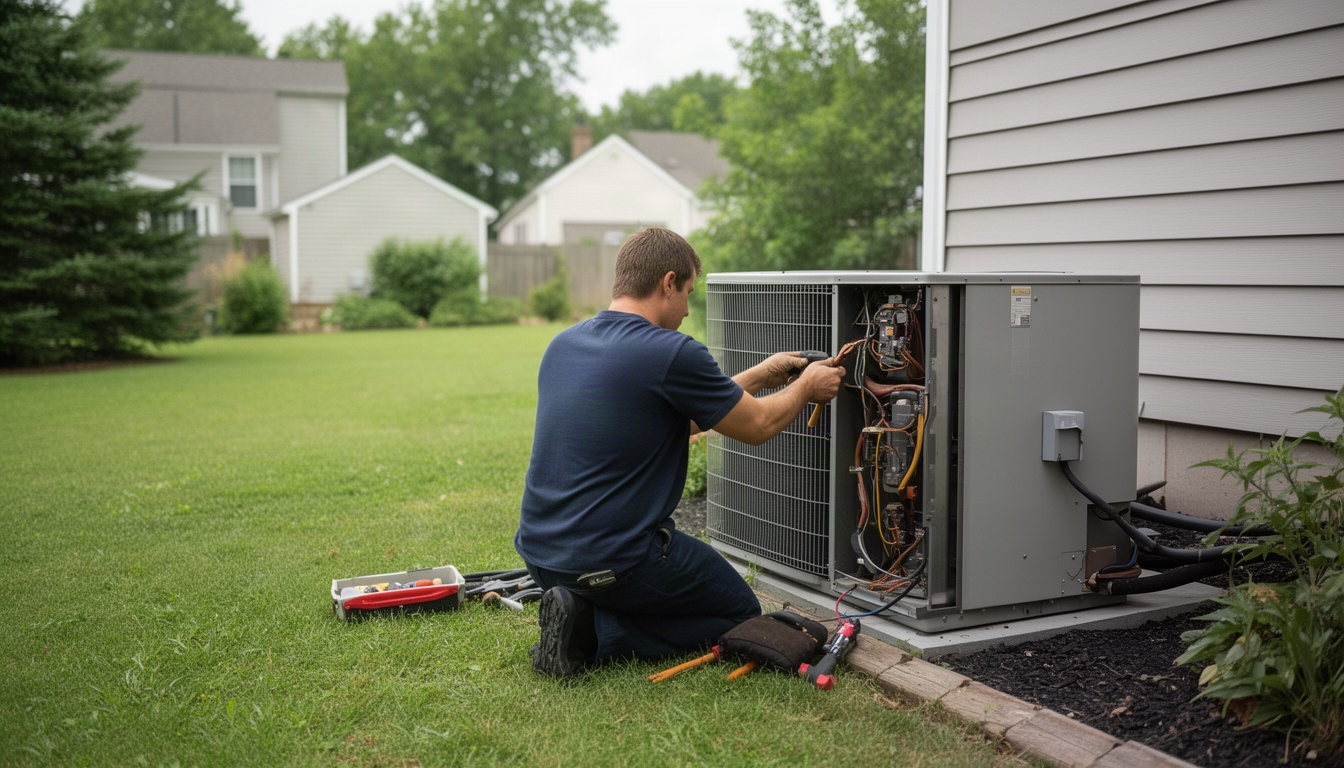
Inspected compressor and condenser. Found dual run capacitor failed (capacitor was bulging). Replaced capacitor with new 45/5 MFD unit. Tested compressor amperage (normal range). Verified airflow at all vents. System cooling normally. Customer satisfied.
| Part Name | Part # | Qty | Unit Cost | Line Total |
|---|---|---|---|---|
| Dual Run Capacitor 45/5 MFD | DRC-455 | 1 | $18.50 | $18.50 |
Parts Total: $18.50
Start Time: 2:15 p.m. End Time: 3:45 p.m. Total Hours: 1.5 Hourly Rate: $95 Labor Total: $142.50
Recommended Next Service: Annual maintenance in spring Parts on Order: None Warranty Notes: Capacitor covered under 3-year parts warranty
Technician: Mike T. _________________________ Date: 11/3/26
Customer: Sarah Johnson _________________________ Date: 11/3/26
That's it. Parts ($18.50) + labor ($142.50) = $161.00 invoice. Clear, documented, signed. No disputes.
Best Practices for Filling Out a Service Report
Having a template is half the battle. Using it right is the other half. Here's what separates techs who get paid on time from techs who spend weeks chasing invoices.
1. Fill it out on-site, not from memory later.
Your tech should complete the report before leaving the job, a practice recommended for accuracy and accountability. Not in the truck. Not back at the office. On-site, while the customer is there. That way, if something's missing or the customer has a question, you can fix it right then.
2. Use specific language in the "Work Performed" section.
Don't write "fixed unit." Write what you actually did: "Replaced capacitor," "Cleaned condenser coils," "Tested refrigerant pressure," "Replaced toilet flapper and fill valve." Specific language makes the invoice clear to the customer and protects you if they dispute the charge.
3. Always record serial numbers.
Serial numbers matter for warranty claims, recalls, and return visits. If a customer calls back six months later, you can verify what equipment you serviced and what warranty applies. Without the serial number, you're guessing.
4. Get the customer signature before you leave.
This is non-negotiable. A signed service report is proof the customer agreed to the work and the price. Without it, you're vulnerable to disputes. With it, you have something solid to point to if anyone pushes back on the bill.
5. Attach a photo if you can.
If you're replacing a part, take a photo of the old part or the completed work. If you're using a mobile app, attach it to the report. If you're on paper, take a photo with your phone and file it with the report. Photos are powerful proof.
Paper vs. Digital Service Reports: Which Is Better?
The choice depends on your business size and where you work.
Go paper if:
- You're a solo operator with a handful of jobs a day.
- You work in areas with spotty cell service.
- Your customers prefer a physical copy they can hold.
- You're just starting out and want to keep costs low.
Go digital if:
- You have two or more techs and want to manage them from one place.
- You want to invoice faster - one click instead of manual data entry.
- You want to search old reports by customer name or date.
- You want photos attached automatically.
- You want your customers to get a professional email receipt.
If you go digital, pick a tool that works offline. Your tech should be able to fill out the report even without cell signal, then sync it when they're back in range. Most field service software has this feature.
LocalRestart helps you set up these workflows so your techs' reports feed directly into clean, professional invoices your customers understand, no manual data entry or office confusion.
Frequently Asked Questions About Service Report Templates
What is the difference between a service report and an invoice?
Direct Answer: A service report documents what work was done and what it cost. An invoice is the bill you send requesting payment.
Think of it this way: the service report is the proof; the invoice is the ask. Your tech fills out the service report on-site. Your office uses that report to create the invoice. The customer signs the report to agree to the work; they pay the invoice to settle the bill.
Can I use Excel for a service report template?
Direct Answer: Yes, but it's not ideal if you have multiple techs.
Excel works fine for a solo operator or very small team. You can create a form with dropdown menus, formulas to calculate totals, and save it as a PDF. But if you have two or more techs, you'll spend time chasing them for completed reports, manually entering data, and searching through files. A mobile app or field service software is faster and less error-prone.
What should a technician write in the "Work Performed" section?
Direct Answer: Be specific. Write what you did, not just that you "fixed" something.
Instead of "Fixed AC," write "Replaced dual run capacitor 45/5 MFD, tested compressor amperage, verified airflow at all vents." Instead of "Repaired toilet," write "Replaced fill valve and flapper, tested for leaks." Specific language protects you from billing disputes and makes the invoice clear to the customer.
How do service reports help with billing disputes?
Direct Answer: A signed service report is proof the customer agreed to the work and the price.
When a customer disputes an invoice, you can show them the report they signed. It says what was done, what it cost, and they agreed to it on a specific date. That turns a drawn-out back-and-forth into a quick, clean conversation - because the evidence is right there in front of both of you.
Is a customer signature required on a service report?
Direct Answer: Not legally required, but it's the best protection you have.
A signature says the customer saw the work, understood the cost, and agreed to it. Without it, a customer can claim they didn't authorize the work or the price. With it, you have proof. Always get the signature before you leave the job.
What software generates service reports automatically?
Direct Answer: LocalRestart helps you set up field service workflows so your techs' reports feed directly into clean, professional invoices your customers understand, no manual data entry or office confusion.
LocalRestart integrates your service reporting with invoicing in one click. Your tech fills out the report on a mobile phone or tablet, attaches photos, captures a digital signature, and the system auto-generates a professional invoice. It works offline, so your tech can complete the report even without cell service. The report syncs to your office system when they're back in range.
Conclusion
A service report template is the bridge between the work your tech does and the invoice your customer pays. It standardizes what gets recorded, protects you from billing disputes, and speeds up invoicing.
Start with the template in this guide. Print it, fill in your company name, and give it to your techs. Make sure they fill it out on-site, use specific language, record serial numbers, and get the customer signature before they leave.
If you have multiple techs, move to digital as soon as you can. The time you save on invoicing and the faster payment cycles will pay for the software quickly.
The goal is simple: every job documented the same way, every invoice clear and defensible, every customer satisfied. That's how you stop leaving money on the table.